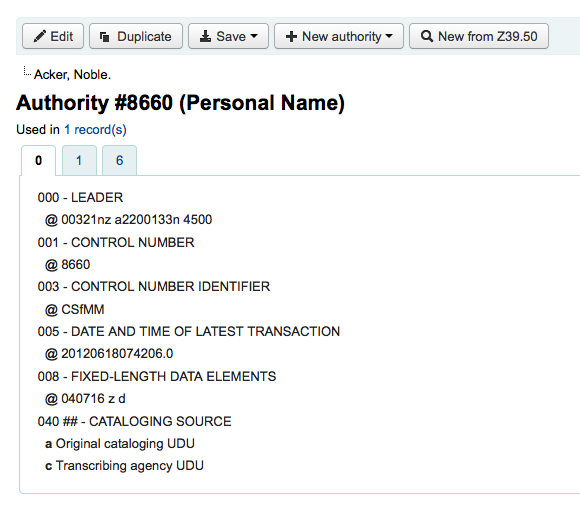






Managing authorities.
Authority records are a way of controlling fields in your MARC records. Using authority records will provide you with control over subject headings, personal names and places.
If you have duplicate authority records you can merge them together by clicking the 'Merge' link, found in the actions menu, next to two results on an authority search.

After clicking 'Merge' on the first result you will see that authority listed at the top of the results.
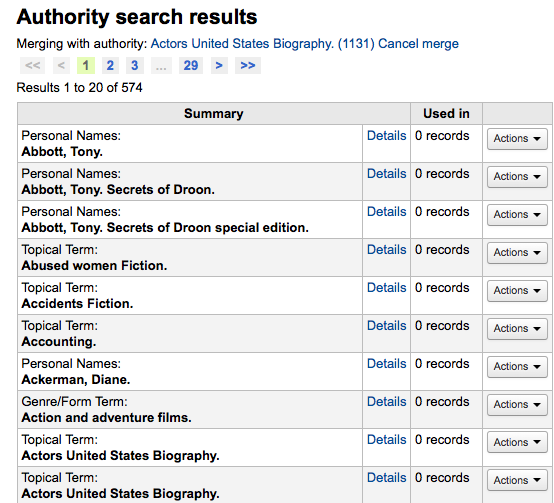
Next you need to click 'Merge' next to the second result you'd like to merge.
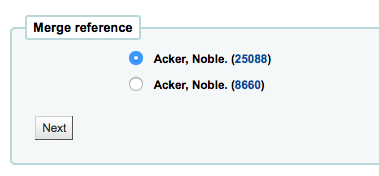
You will be asked which of the two records you would like to keep as your primary record and which will be deleted after the merge.
You will be presented with the MARC for both of the records (each accessible by tabs labeled with the authority numbers for those records). By default the entire first record will be selected, uncheck the fields you don't want in the final (destination) record and then move on to the second tab to choose which fields should be in the final (destination) record.
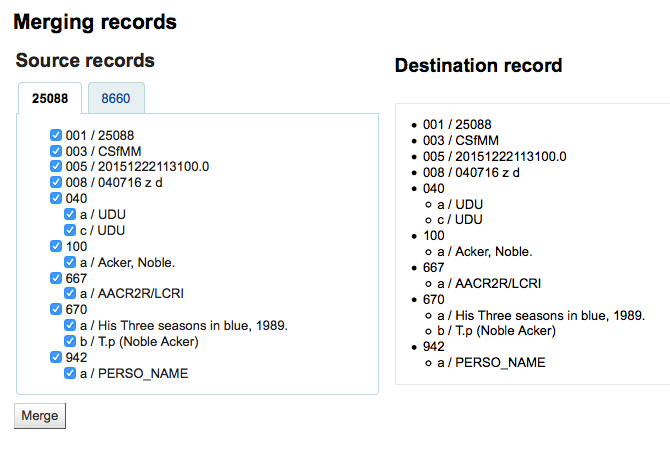
Once you have completed your selections click the 'Merge' button. The primary record will now contain the data you chose for it and the second record will be deleted.