







Managing biblographic records.
In Koha the bibliographic record contains the main information related to the material. This includes things like the title, author, ISBN, etc. This information is stored in Koha in Marc (different flavors of Marc are supported in Koha). Once this information is saved, items or holdings can be attached.
1.3 Editing Records
To edit a record you can click 'Edit Biblio' from the search results on the cataloging page

or by clicking the Edit button on the Bibliographic Record and choosing 'Edit Record'
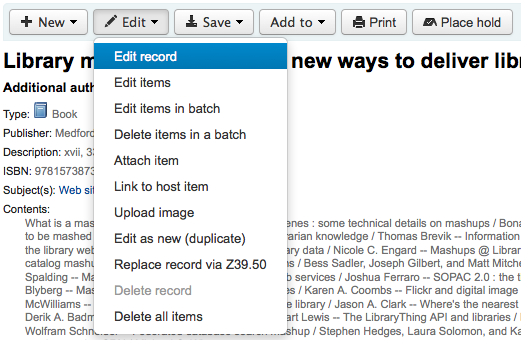
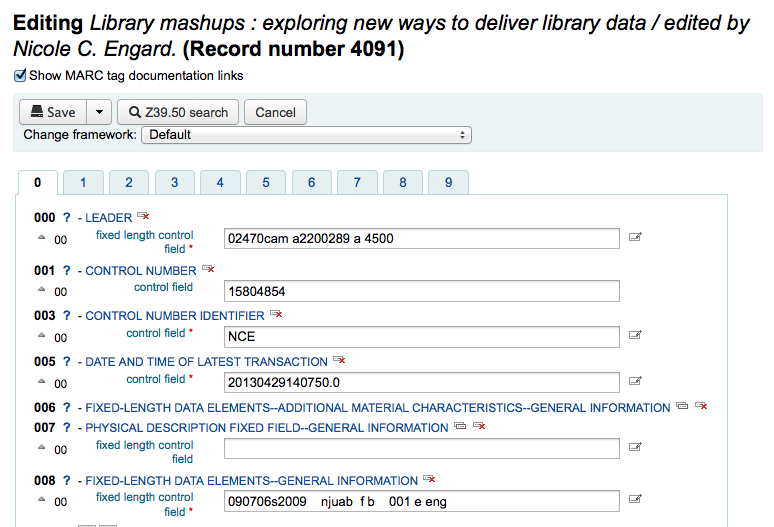
The record will open in the MARC editor
The alternative is to search via Z39.50 to overlay your record with a fuller record found at another library. You can do this by choosing 'Replace Record via Z39.50' from the Edit menu.
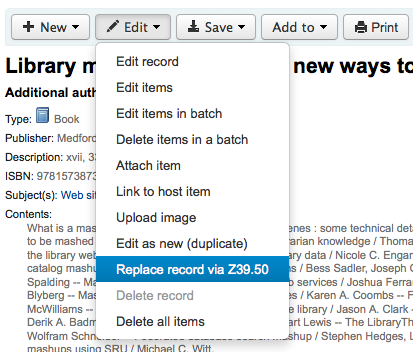
Once you choose that you will be brought to a Z39.50 search window to search other libraries for the record in question.
Once you have made your edits (via either method) you can click 'Save' at the top left of the editor.
You can also use the edit menu to add your own custom cover image if you have either OPACLocalCoverImages and/or LocalCoverImages set to 'Display' by choosing 'Upload Image' from the menu.
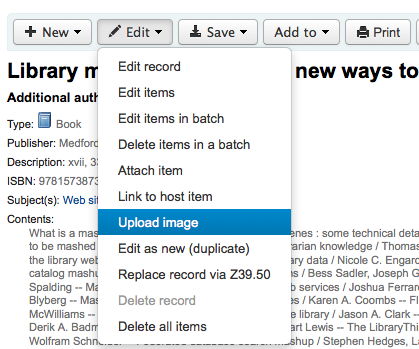
Choosing to 'Upload Image' will take you to the Upload Local Cover Image Tool.