







Managing authorities.
Authority records are a way of controlling fields in your MARC records. Using authority records will provide you with control over subject headings, personal names and places.
Authorities can be edited by clicking on the authority summary from the search results and then clicking the 'Edit' button above the record. Or by clicking on the 'Edit' link to the left of the authority on the search results.
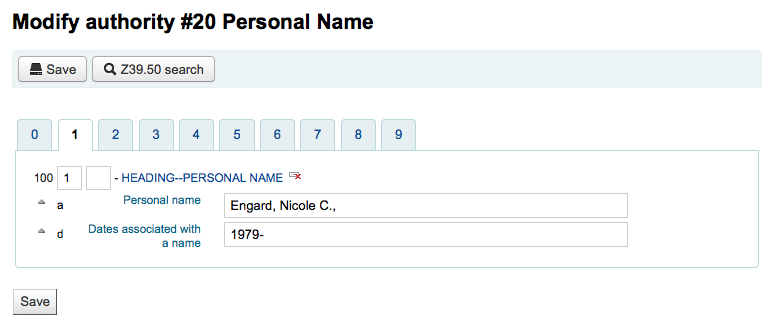
Once you've made the necessary edits, simply click 'Save' and dontmerge is set to 'Do', Koha will immediately update all of the bib records linked to the authority with the new authority record's data. If dontmerge is set to "Don't" then Koha won't edit bib records when changes are made to authorities, rather, this is done later by the merge_authority.pl cronjob.
To delete an authority record you first must make sure it's not linked to any bibliographic records. If it is not used by any bibliographic records a 'Delete' link will appear to the right of the record on the search results and as a button that appears after clicking on the summary of the authority record.