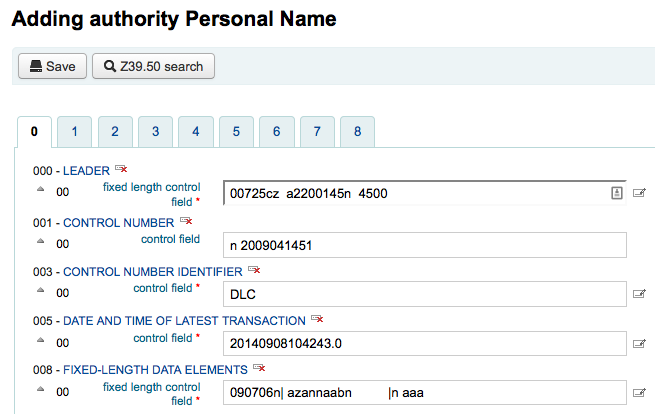






Managing authorities.
Authority records are a way of controlling fields in your MARC records. Using authority records will provide you with control over subject headings, personal names and places.
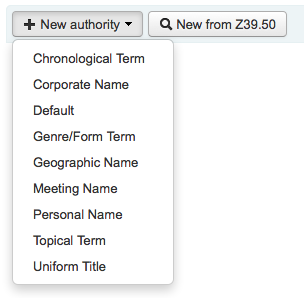
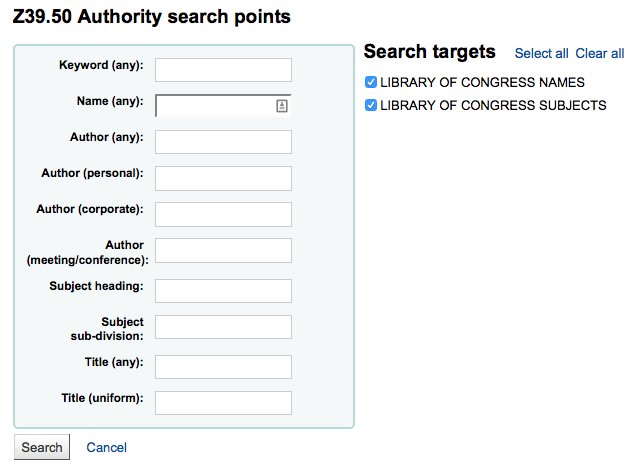
To add a new authority record you can either choose the authority type from the 'New Authority' button or search another library by clicking the 'New from Z39.50' button.
If you choose to enter a new authority from scratch, the form that appears will allow you to enter all of the necessary details regarding your authority record.
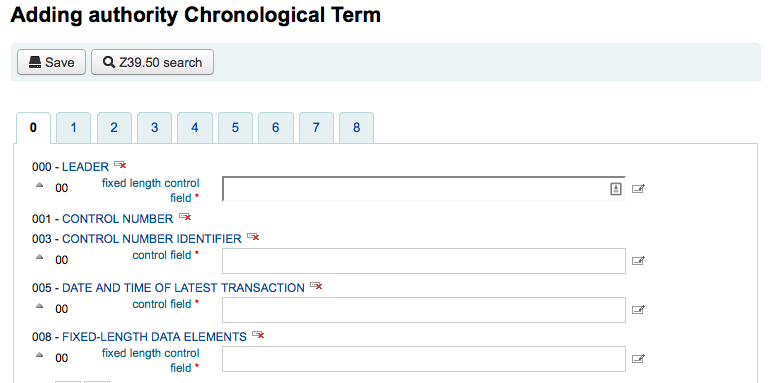
To expand collapsed values simply click on the title and the subfields will appear. To duplicate a field or subfield just click the plus sign (+) to the right of the label. To use field helper plugins simply click the ellipsis (...) to the right of the field.
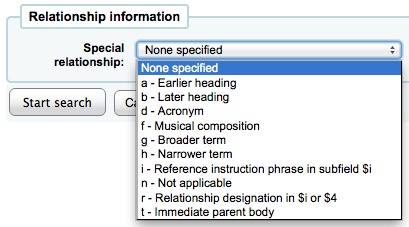
When linking authorities to other headings, you can use the authority finder plugin by clicking the ellipsis (...) to the right of the field.

From there you can search your authority file for the authority to link. If you can't find the authority to link, you can click the 'Create new' button and add the necessary authority for the link. This plugin also allows for you to choose the link relationship between the authorities.
If you choose to search another library for the authority record you will be presented with a search box
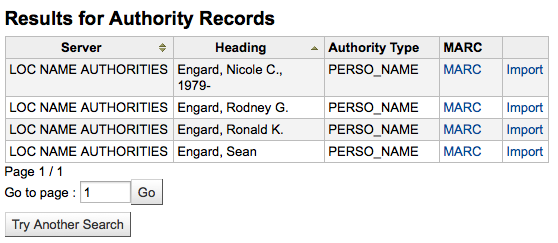
From the results you can choose the 'Import' link to the right of the record you would like to add to Koha
You will then be presented with the form to edit the authority before saving it to your system